Download OS X 10.11 El Capitan DMG & ISO Full Installer
Here are the direct links to download OS X 10.11 El Capitan installer, DMG, and ISO files on a Mac or Windows PC. Check out the different download resources.
On this page
Quick definition
Here are the direct links to download OS X 10.11 El Capitan installer, DMG, and ISO files on a Mac or Windows PC. Check out the different download resources.
Download OS X 10.11 El Capitan DMG & ISO Full Installer [Direct Link]
How to download OS X 10.11 El Capitan?
Quick Answer:
You can get the OS X 10.11 El Capitan DMG and ISO full installer from iBoysoft DiskGeeker. It enables safe macOS downloads and bootable USB creation.
Besides, you can obtain El Capitan from archived online sources, such as the Internet Archive. But you may encounter expired links, incomplete installers, or installation failures.
"Where can I download OS X 10.11 El Capitan?" If you have the same question, this article will answer it.
I'll explain how to download OS X 10.11 full installer without App Store, including its application installer, DMG, and ISO files. Whether you're downloading it from a Mac or Windows PC, you'll find the right resources here (download the macOS installer on Windows).
| Types of Installers | Suitable Devices | When to Choose |
| OS X 10.11 El Capitan DMG file | Mac | If you want to install El Capitan on a compatible Mac or create a bootable USB |
| OS X 10.11 El Capitan ISO file | Virtual machines, Windows | If you want to install El Capitan on a virtual machine or Windows PC |
| OS X 10.11 El Capitan app installer | Mac | If you want to install El Capitan on a compatible Mac or create a bootable USB |
Download OS X El Capitan on Mac & Windows
Note: If you want to download the OS X 10.11 El Capitan installer on a Windows PC or a Mac computer, iBoysoft DiskGeeker is the best place to look. It contains bootable DMG and ISO files for all macOS versions, OS X versions, and some Mac OS X versions.
These .dmg and .iso files are created directly from official Apple installers to ensure complete authenticity. You can use them to install OS X El Capitan on computers or virtual machines.
Besides, it enables you to create a Mac OS X El Capitan bootable USB installers in simple steps.
Here's how to download El Capitan:
Step 1: Free download and open iBoysoft DiskGeeker.
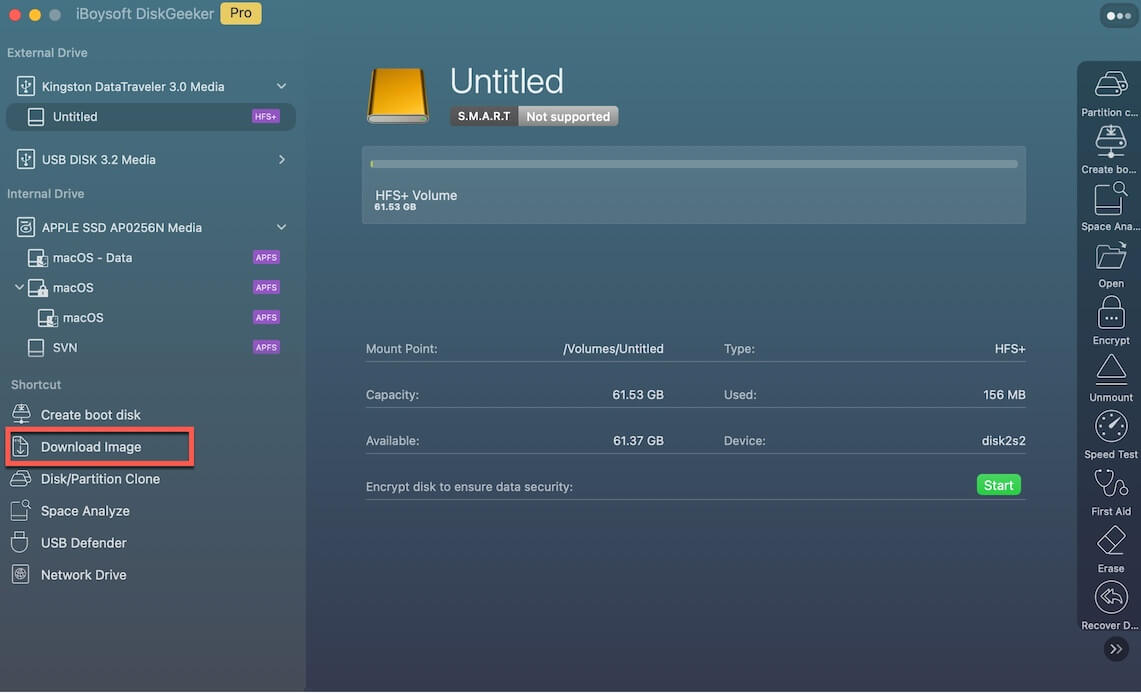
Step 2: Click Download Image from the left side.
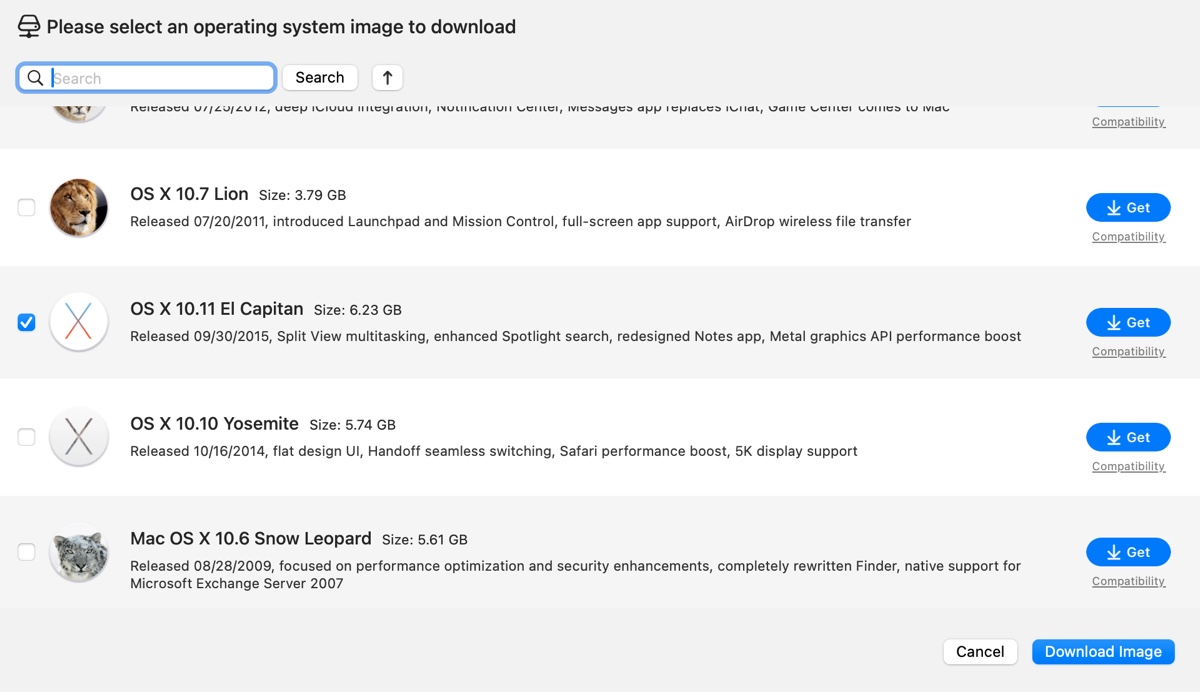
Step 3: Scroll down and select OS X 10.11 El Capitan and click Get.
Step 3: Choose to download the DMG or ISO file.
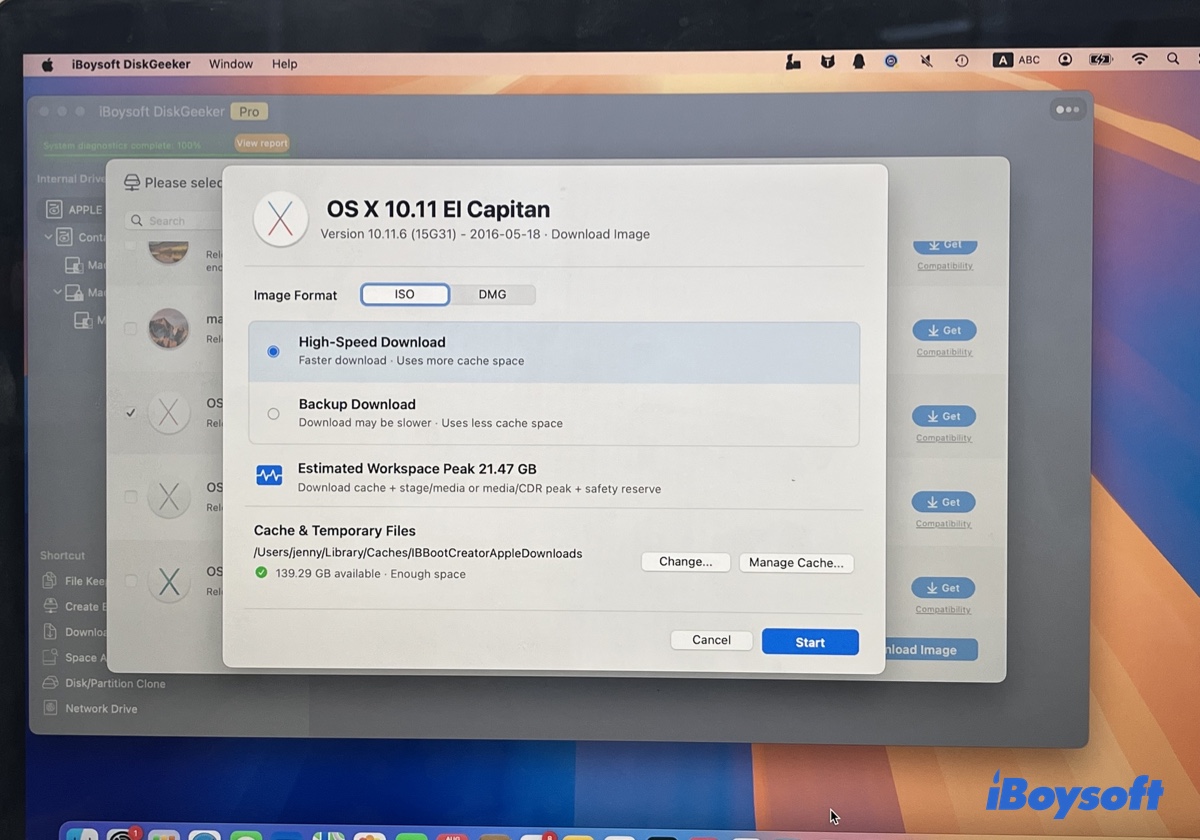
Step 4: Select a download method and click Start.
Step 5: Choose where to save the file.
* If you need a bootable El Capitan installer, click Create boot disk in Step 2 instead.
If you wish to download OS X 10.11 El Capitan through direct links, continue reading the following paragraphs.
How to download OS X 10.11 El Capitan installer?
If you want to update your Mac to OS X 10.11 El Capitan or create an El Capitan bootable installer, download the full installer from the link below. It's compressed with the ZIP format, and once you unzip the file, you'll see the Install OS X El Capitan.app file.
Download OS X 10.11 installer source 1 (5.8G, From Internet Archive)
Download OS X 10.11 installer source 2 (5.8G, From sourceforge.net)
To download other old Mac OS versions, click Old Mac OS Download.
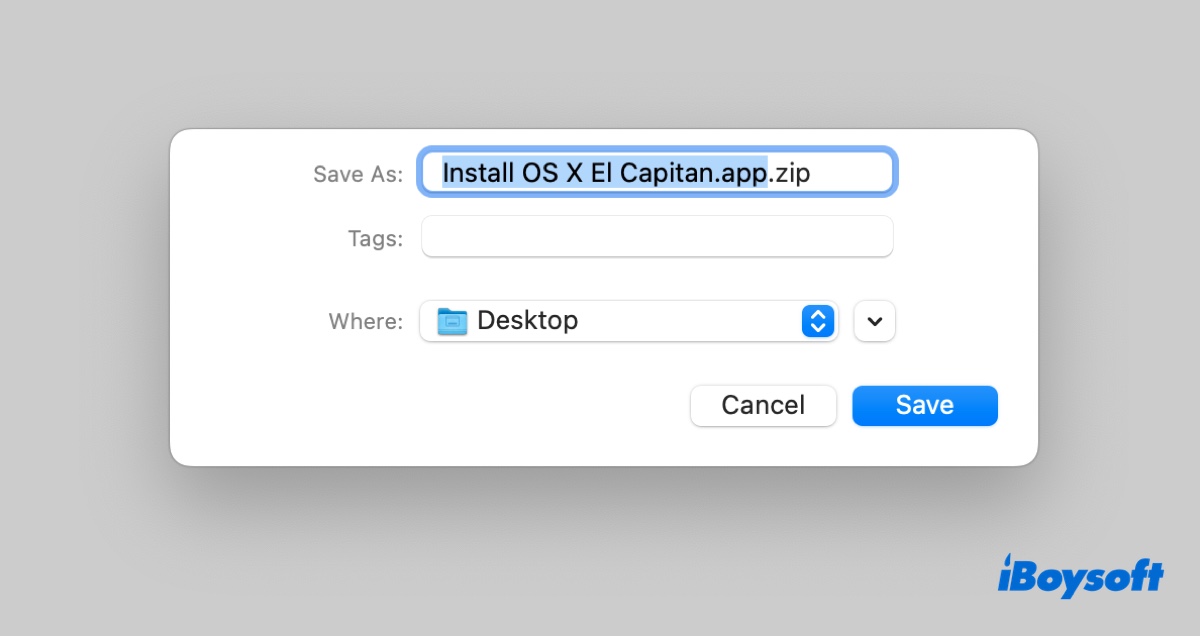
Help others learn how to download OS X El Capitan without App Store by sharing this post!
How to download OS X 10.11 El Capitan DMG?
An OS X 10.11 El Capitan DMG file also contains the installation files for El Capitan. It mounts on your Mac as a virtual machine and needs to be installed to reveal the Install OS X El Capitan.app file.
Here are the links to download OS X 10.11 DMG on MacBook Air/Pro/desktop Mac:
Download OS X 10.11 DMG source 1 (From Apple's server) (Only available for compatible Macs)
Download OS X 10.11 DMG source 2 (5.7G, from Internet Archive)
Download OS X 10.11 DMG source 3 (5.8G, from Internet Archive)
Download OS X 10.11 DMG source 4 (5.7G, from isoriver.com)
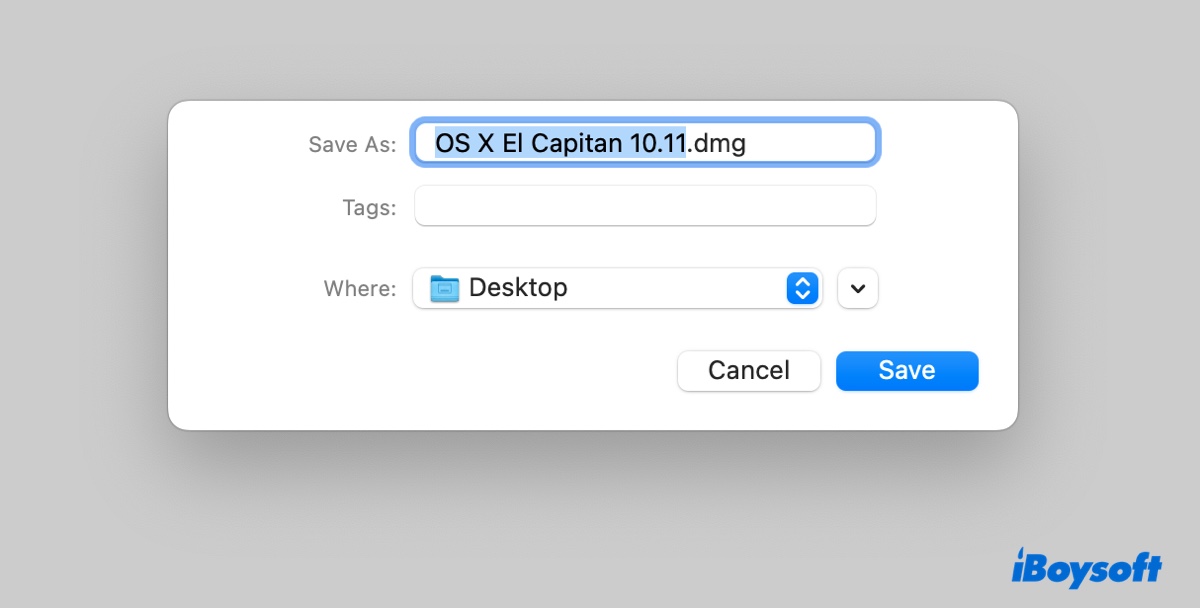
Once you have the DMG file, you'll need to run the following steps to unpack it:
- Double-click the .dmg file to open it.
- Double-click the .pkg file and follow the instructions on the screen to install the OS X 10.11 installer into your Applications folder.
- Open your Applications folder and check the installer named Install OS X El Capitan.app.
Share this article to help others get OS X 10.11 El Capitan on a Mac or Windows PC!
How to download OS X 10.11 El Capitan ISO?
If you're trying to install OS X 10.11 El Capitan on a virtual machine, such as VMware or VirtualBox, or create a bootable El Capitan installer on Windows, you'll need to download the OS X 10.11 ISO file.
Now that you know how to download OS X 10.11 El Capitan, don't forget to share it to benefit more people!
FAQs
Quick answers
Which Mac models are compatible with OS X 10.11 El Capitan?
OS X 10.11 supports most Macs capable of running OS X Yosemite (10.10). Compatible models include:
iMac: Mid 2007 or newer
MacBook / MacBook Pro: Mid/Late 2007 or newer
MacBook Air: Late 2008 or newer
Mac mini: Early 2009 or newer
Mac Pro: Early 2008 or newer(Requirements: At least 2 GB of RAM and ~8.8 GB of available disk storage).
How do I create a bootable USB drive for OS X 10.11?
1. Format a USB drive (at least 8 GB) as Mac OS Extended (Journaled) named Untitled in Disk Utility.
2. Open Terminal and run the following command to make the bootable installer: sudo /Applications/Install\ OS\ X\ El\ Capitan.app/Contents/Resources/createinstallmedia --volume /Volumes/Untitled --applicationpath /Applications/Install\ OS\ X\ El\ Capitan.app
3. Enter your admin password, let it finish, and restart your Mac while holding the Option (⌥) key to boot from the USB drive.